Frequently asked questions
What people ask before they let a chat near their rent records.
Does EasyAavaas provide WhatsApp automation for PG management? +
Yes. EasyAavaas supports automated rent due-date reminders and event notifications on WhatsApp, subject to notification settings and an available contact. Its separate WhatsApp AI assistant lets authorised users check dues, send reminders, record payments and handle complaints or supported requests through chat. Activate assistant access after setting up the property in the app.
Are rent reminders automatic or sent when I ask? +
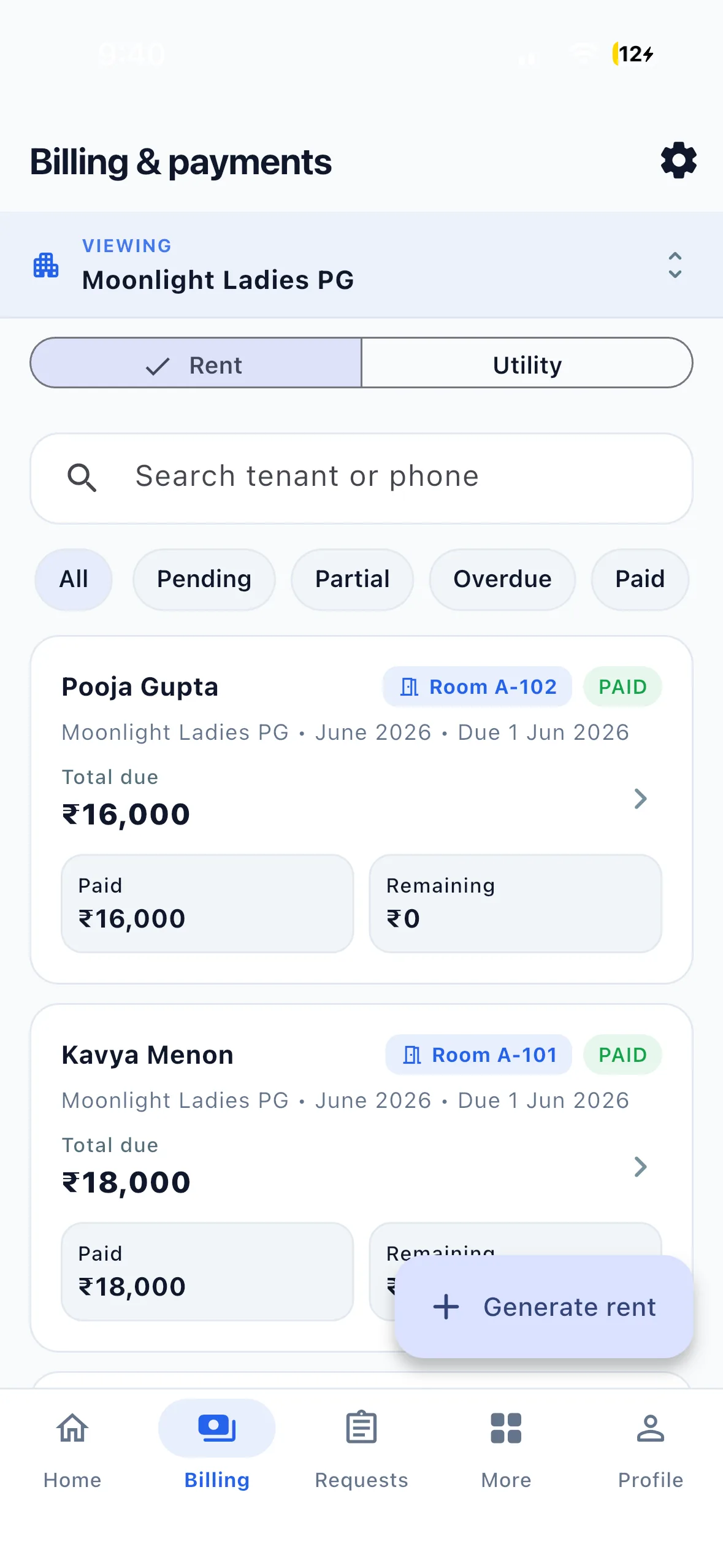
Both workflows are supported. Scheduled due-date reminders use the property reminder timing and unpaid rent records. Through the activated assistant, you can also ask to remind selected tenants or everyone who still owes rent, review the recipients and confirm. WhatsApp delivery depends on notification settings and a reachable contact.
Can I collect rent and control my PG from WhatsApp? +
You can manage the rent collection workflow through WhatsApp: check balances, send reminders, record received payments and attach proof, alongside room information, complaints, notices and supported approvals. Tenants pay the owner directly. EasyAavaas does not transfer rent or automatically reconcile bank transactions. Property setup and full reports remain available in the app.
Does the WhatsApp assistant cost anything? +
No. The assistant runs on the WhatsApp Business API, which bills per message. EasyAavaas absorbs that cost. You never receive a WhatsApp API bill, and there is no per-message charge to you, your staff, or your tenants. You also do not need your own Meta or WhatsApp Business API account — we provide the number and the templates.
Do I still need to open the app? +
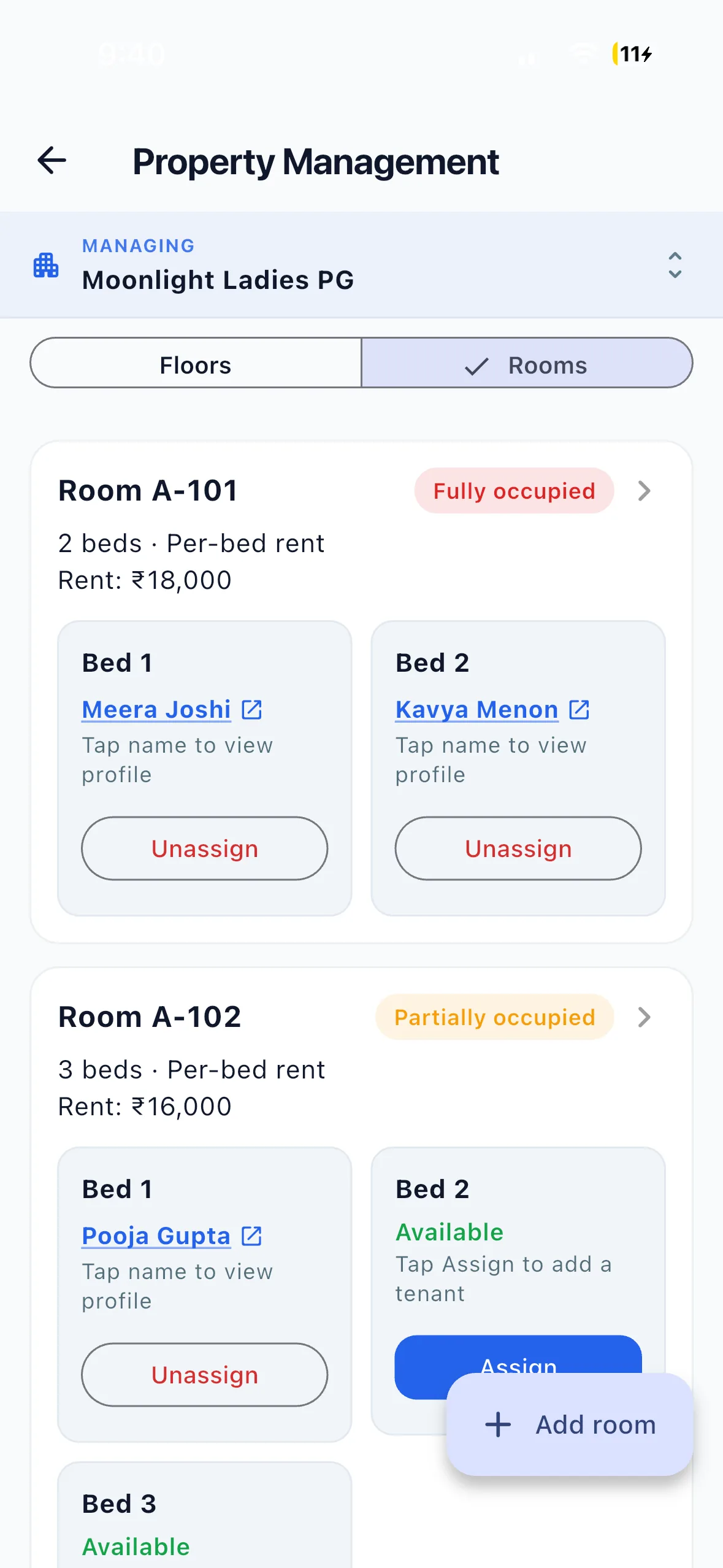
For setup, yes — your property, rooms, beds, tenants, rent and deposits are added in the app, once. After that the daily work can run from WhatsApp: dues, reminders, payments, complaints, notices, and visitor or room-change approvals. Open the app when you want the full record, a report, or an export.
What if it misunderstands me? +
Anything that touches money, a tenant or a room waits for you. Every such change is matched against your real records and shown as a card first — the tenant, the room, the month, the amount. If a card names the wrong one, tap No, cancel and say it again; nothing has been written. Complaints and requests are filed straight away by design, so an issue is never left unlogged waiting on a confirmation.
Does it understand Hindi and Hinglish? +
Yes. Type in Hinglish, Hindi or English, or send a voice note instead of typing. The reply comes back in the language you used. You can name a room instead of a person too — “103 wale ka rent aa gaya” finds whoever lives there.
Can my tenants use the same number? +
Yes. A tenant’s chat is scoped to their own record — their room, their dues, their deposit, their complaints. They are not given the property’s totals, and they cannot record payments or change records. The same role permissions you set in the app apply in the chat.
Can my manager use it without seeing everything? +
Exactly the role permissions you already set in the app. By default a manager and a warden share the same on-site permissions, an owner has everything, and a tenant reads only their own record. WhatsApp does not widen anyone’s access — if you revoke a permission in the app, it is gone from the chat too.
What happens to a payment screenshot? +
It is offered as proof against the payment you just recorded. Confirm, and it is attached to that rent record — visible in the app to whoever verifies payments, with the same trail as a proof uploaded from the app.