


01
Property setup
- ✓Photos, amenities, house rules & late rent penalties
- ✓Join codes for tenants and staff onboarding
- ✓Per-bed or per-room rent billing per room
For property owners
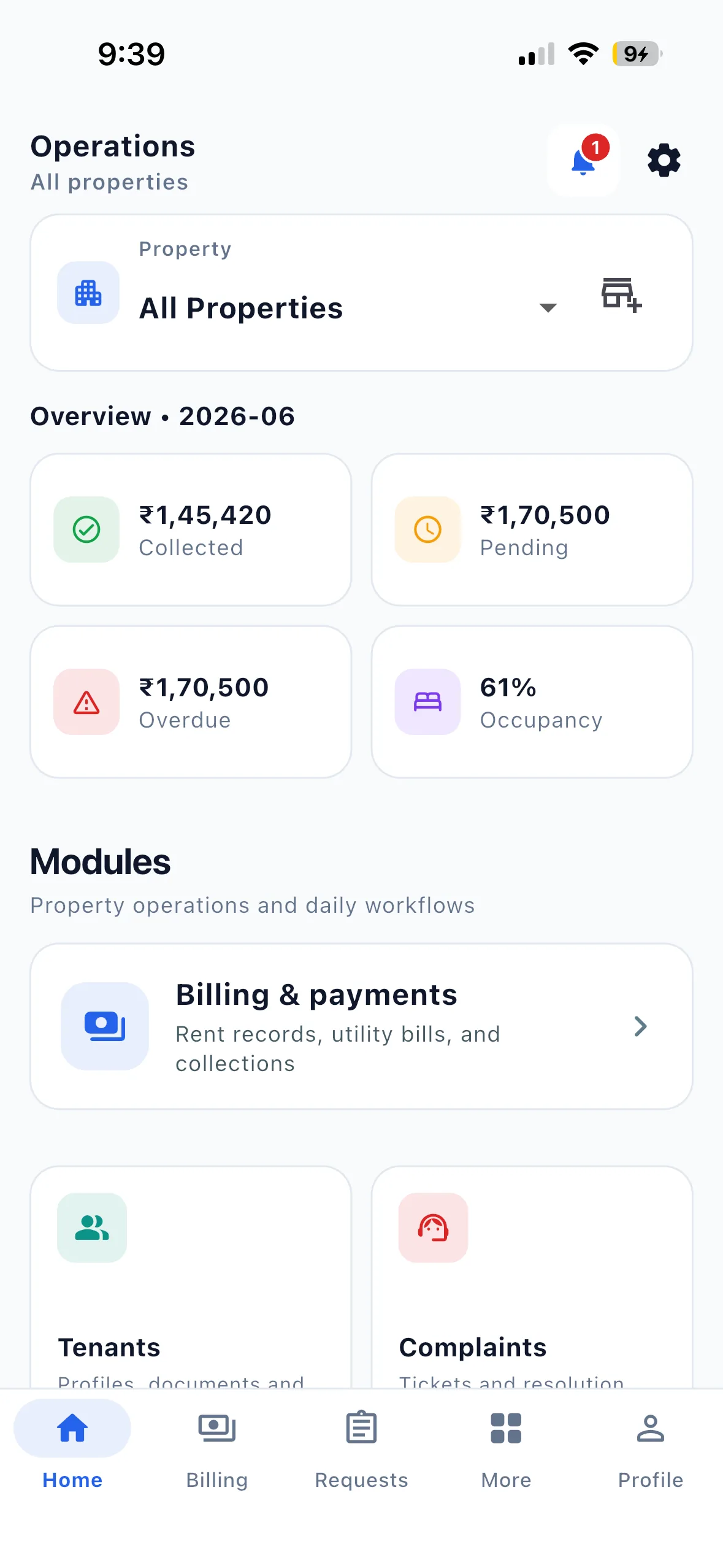
Know what was collected, what is vacant, what is stuck, and who is handling it—without stitching the answer together from calls and spreadsheets.
What changes first
Everything below is live today and designed for the way Indian property teams already work.
Inside the daily flow
No separate system to remember. No module that only one person understands.
Bring the team together
Download EasyAavaas or let us walk through the exact workflow with your property and team.
Getting started
Use the step-by-step tutorials, or ask the team for setup help.
Get the app, sign in and add your property details.
Watch tutorialSet up your actual room layout and available beds.
Watch tutorialAssign a tenant and review the rent workflow before inviting the team.
Watch tutorialOwners start by downloading the app and signing in with their phone number. Create the property and room/bed layout before adding residents. If you are a tenant, use your resident account flow instead of creating an owner property. Once the first record is checked, invite staff and request WhatsApp assistant activation if needed.
Get the free appAsk for setup helpYour first useful record
Create your room and bed layout first. Add the tenant details you need, assign the actual room or bed, and check the agreed rent and deposit information before completing setup.
Invite staff using their own accounts and grant only the property permissions they need. Tenants use their own view of their records.
Use the onboarding checklist →Coming from a register?
Enter these details through the supported app setup. The website does not offer an automatic spreadsheet importer. Contact the team to discuss setup help.
Compare an app with Excel →Keep occupancy, rent records and operational requests connected.
Owners, staff and tenants work from their own account views.
No per-bed or per-property fee. Check pricing for included workflows and assistant access.