
PG Management System Setup Checklist for Indian Owners
A practical migration checklist for PG owners moving from notebooks, Excel and scattered WhatsApp records into one management system.
Quick answer
A useful PG management system should connect the property layout, tenant record, rent history and daily operations. Start with floors, rooms and beds; add active tenants and documents; confirm rent and deposit records; then add complaints, visitors, notices, staff access and reports. Set up one property carefully before expanding to the rest.
A PG management app is easy to download. Moving reliable records into it is the real work. If rooms are entered differently by two people, old tenants remain active or payment screenshots are treated as verified receipts, the new system will reproduce the same confusion as the old notebook.
This checklist is for an owner handling a property alone as well as an owner who works with a manager or warden. It focuses on the minimum records needed to answer everyday questions without calling someone or searching several files.
Collect these records before setup
| Record group | Minimum information | Question it should answer |
|---|---|---|
| Property layout | Property, floor, room, bed and sharing type | Which bed is vacant or occupied? |
| Tenant | Name, phone, emergency contact, joining date and assigned bed | Who is staying in this room? |
| Documents | Submitted document, review status and authorised access | Are the required records available? |
| Rent | Agreed rent, billing period, due date, payment record and status | Who has paid and what is still pending? |
| Deposit and items | Deposit record and keys, remotes or other assigned items | What must be checked at move-out? |
| Operations | Complaints, visitors, notices, requests and responsible person | What needs action today? |
Set up the system in the right order
- Create the property with its current rules, address and operating details.
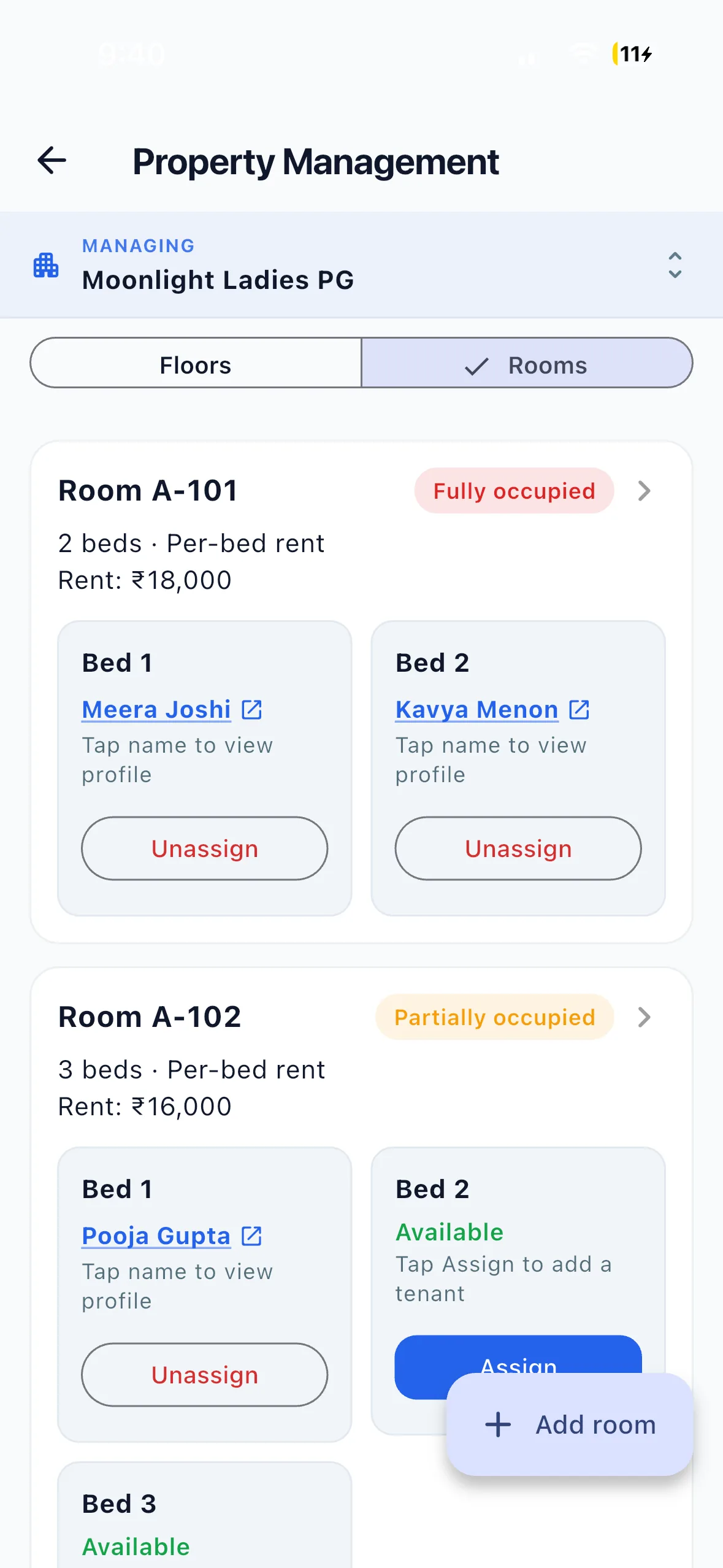
- Add floors, rooms and individual beds. A shared room can be partially occupied, so room-only tracking is not enough.
- Add current tenants with joining dates, emergency contacts and the bed they actually occupy.
- Collect or upload tenant documents and keep submitted, reviewed and approved states separate.
- Check agreed rent, deposit and any additional charges before creating the current billing record.
- Add a manager or warden only if someone else helps you, and grant access for the property and tasks they handle.
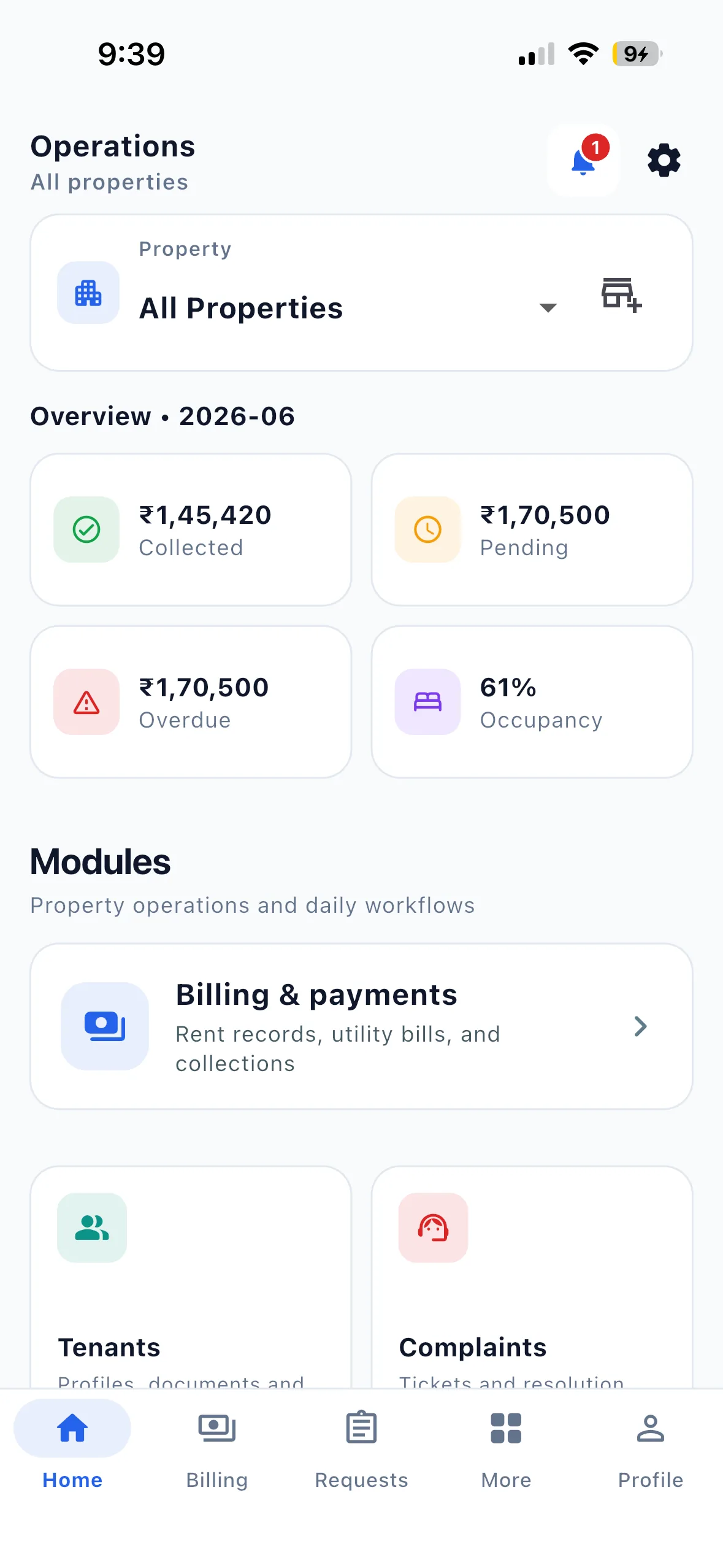
- Review the dashboard, pending rent, vacant beds, open complaints and recent visitors before treating setup as complete.
If you manage the PG alone
You do not need a large team to benefit from a management system. A solo owner often gains the most because every reminder, complaint, document request and vacancy question otherwise reaches the same phone. Start with the records you check repeatedly: vacant beds, tenant contacts, documents, pending rent and complaints.
If staff join later, give them individual accounts and only the permissions they need. Do not build the process around a shared password. See the staff-permission guide and the owner setup path.
Connect reminders to the rent record
A reminder is useful only when it uses the current pending list. In EasyAavaas, tenants pay the owner directly by UPI, cash, bank transfer or another agreed method. The tenant can submit proof, or the owner can record a received payment. An authorised owner or staff member then reviews the record. EasyAavaas does not process or hold the money.
Read the automated PG rent workflow, see the rent product page, or use the free rent register while preparing your data.
Run a ten-minute weekly review
- Vacant and partially occupied rooms at bed level
- Tenants joining, moving or leaving
- Rent pending, proof awaiting review and owner-recorded payments
- Missing or unreviewed documents
- Open complaints and the person responsible
- Recent visitors, notices and unresolved requests
Use the app deep links on your phone
Open the EasyAavaas dashboard, rent and billing, complaints or reports. If the app is installed, the link opens that area. Otherwise, the fallback page provides the official app stores.
Common questions about PG management systems
Is a PG management system useful for a small property? Yes, when repeated follow-ups and scattered records take time, regardless of bed count. Is an app different from a management system? The app is how you access it; the system is the connected process for occupancy, tenants, rent and operations. Can Excel still work? Yes, if one person maintains it consistently, but it does not automatically connect tenant actions, reminders, complaints and permissions. Is EasyAavaas free? The published owner price is ₹0 per month with no per-bed subscription fee; check the current pricing page for scope and limits.