
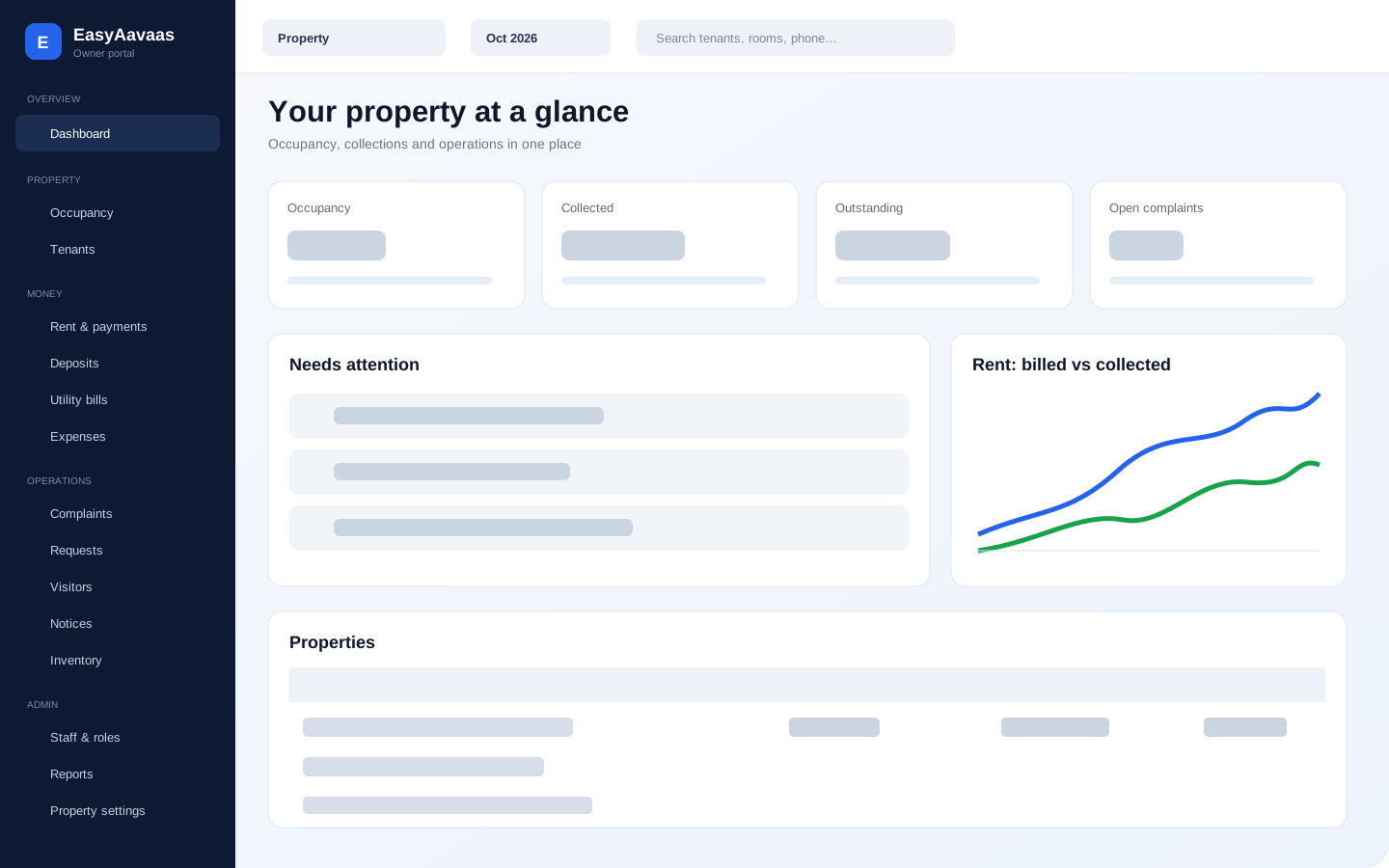
EasyAavaas Owner Web Portal: Manage Your PG from a Desktop Browser
A factual guide to what owners and authorised staff can do in the EasyAavaas web portal, what tenants use, and how web, mobile and WhatsApp work together.
What changed on 30 October 2026
EasyAavaas is no longer mobile-only. Owners and people they authorise can now sign in at owner.easyaavaas.com. The Android and iOS apps remain available, tenant access stays in the app, and WhatsApp reminders and assistant workflows continue to use the same property records.
The web portal does not replace the app. It adds a larger working surface for owners, managers, wardens and accountants who need to review many records at once. A solo owner can use it too; adding staff is optional.
What the EasyAavaas owner portal includes
| Area | What an owner or authorised team member can manage |
|---|---|
| Portfolio dashboard | Property switching, month context, occupancy, collections, outstanding rent, attention items and trends |
| Occupancy and tenants | Rooms and beds, vacancies, tenant records, joining dates, contacts and document review |
| Rent and payments | Monthly rent status, direct-payment records, tenant payment proof, verification, partial payments and late fees |
| Deposits and utilities | Security-deposit records, move-out settlement and room-level utility readings or charges |
| Expenses | Property expenses, categories, payment method, notes and supporting records |
| Daily operations | Complaints, tenant requests, visitor approvals, notices and inventory issued to tenants |
| Team and control | Staff roles, per-person permissions, property access and account settings |
| Reports | Property summary, rent ledger and tenant directory, with PDF, Excel or filtered exports where available |
Web, app and WhatsApp are three ways into the same operation
- Owner web portal: best for a larger screen, reviewing a portfolio and working through long lists.
- Android and iOS apps: for owners, authorised staff and tenants who work from their phones.
- WhatsApp: for rent reminders, notices, complaint updates and permission-based assistant workflows.
Tenants do not need the owner portal. They use the EasyAavaas app to view their records, upload documents or payment proof, raise complaints and register visitors. Owners decide which team members can access each property and function.
What the portal does not change
EasyAavaas still does not collect or hold rent. A tenant pays the owner directly by UPI, cash, bank transfer or another agreed method; the software keeps the payment record and proof. It is not hotel booking software, a payment gateway, a college ERP, a biometric attendance system or a mess-management system. Document review is performed by the owner or permitted staff, not by Aadhaar, DigiLocker, the government or police.
Who can use the EasyAavaas owner web portal?
Property owners and team members the owner authorises, such as a manager, warden or accountant. Permissions can differ by person and property. Tenants use the mobile app.
Is EasyAavaas now web-based as well as an app?
Yes. EasyAavaas has Android and iOS apps and a browser-based owner portal. Its WhatsApp workflows continue alongside both.
Does a solo PG owner need staff to use EasyAavaas?
No. One owner can run a property alone from the app, web portal or both. Staff access is optional and can be added later.