
How to Move a PG from Excel and WhatsApp to Management Software
Do not copy every old chat. Move the live operating record in a controlled order, verify opening balances and keep a clear cutover date.
Short answer
Move current rooms, active tenants, opening rent balances, deposits and essential documents first. Choose one cutover date, verify the totals, invite tenants only after the owner record is correct, and keep the old sheet read-only for reference. Do not spend weeks copying irrelevant chat history.
Before migrating: decide what becomes the source of truth
A migration fails when staff continue updating the notebook, spreadsheet and new software at the same time. Select a cutover date. Before that date, the old records explain history. From that date onward, the management system holds current occupancy, rent, complaints and changes.
| Old record | Move now | Keep only as archive |
|---|---|---|
| Room or bed sheet | Every current property, floor, room, bed and maintenance block | Deleted test rows and obsolete layouts |
| Tenant list | Active tenants, contacts, joining date, bed, rent and deposit | Old leads and duplicate contacts |
| Payment sheet | Current month status and any genuine opening balance | Rows already settled and no longer disputed |
| WhatsApp documents | Current ID, address proof and agreement files you still need | Routine chat and unrelated media |
| Complaint chat | Open issues that still require action | Resolved conversations with no continuing obligation |
Recommended migration sequence
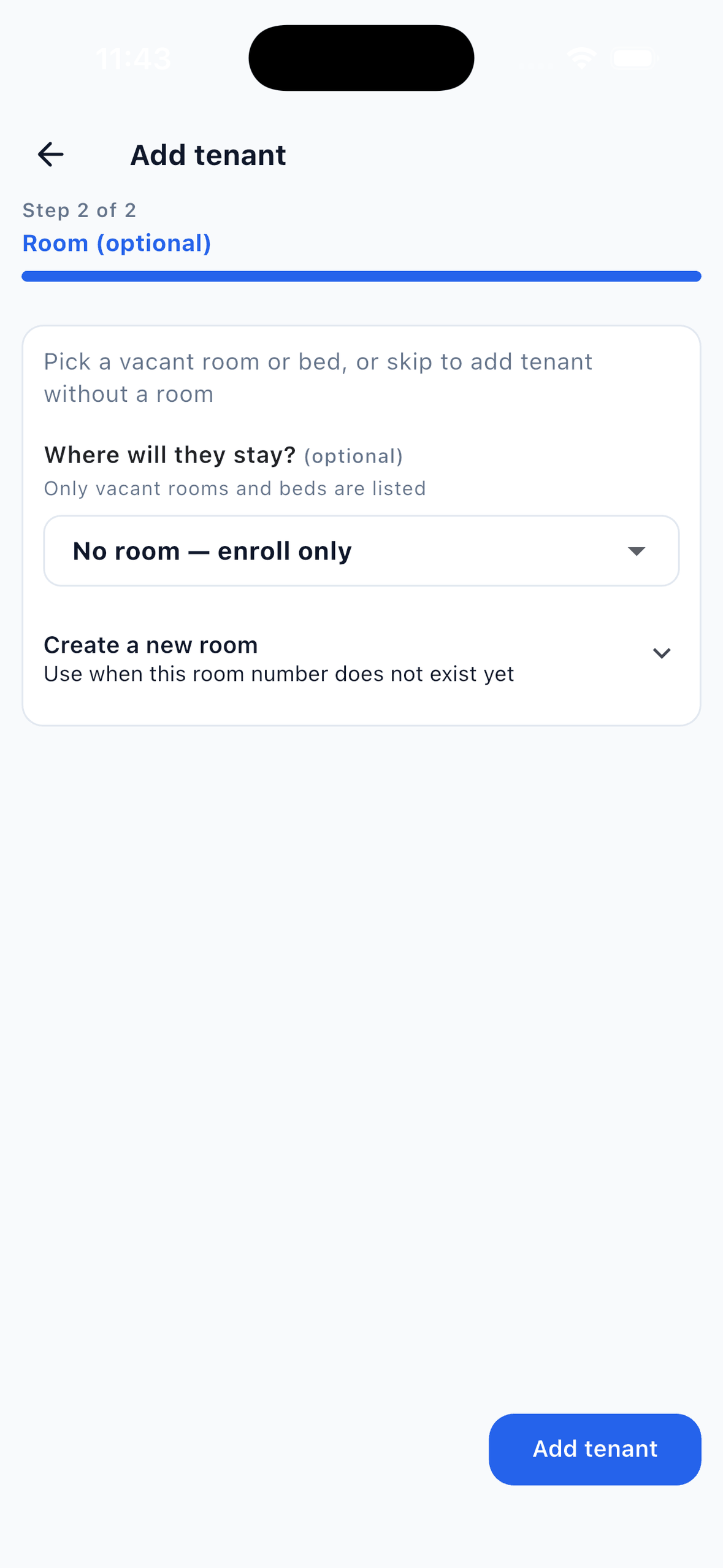
- Create the property structure. Add floors, rooms and beds in the same order people use inside the building. Mark any bed unavailable for maintenance.
- Reconcile occupancy. Walk the property or confirm the current tenant of every occupied bed. Fix the spreadsheet before copying a known mistake.
- Add active tenants. Keep name, phone, emergency contact, joining date, rent, deposit, room or bed and work or study information together.
- Set opening rent status. Decide which month and balance will become the starting point. Never invent a balance just to match an unclear old total.
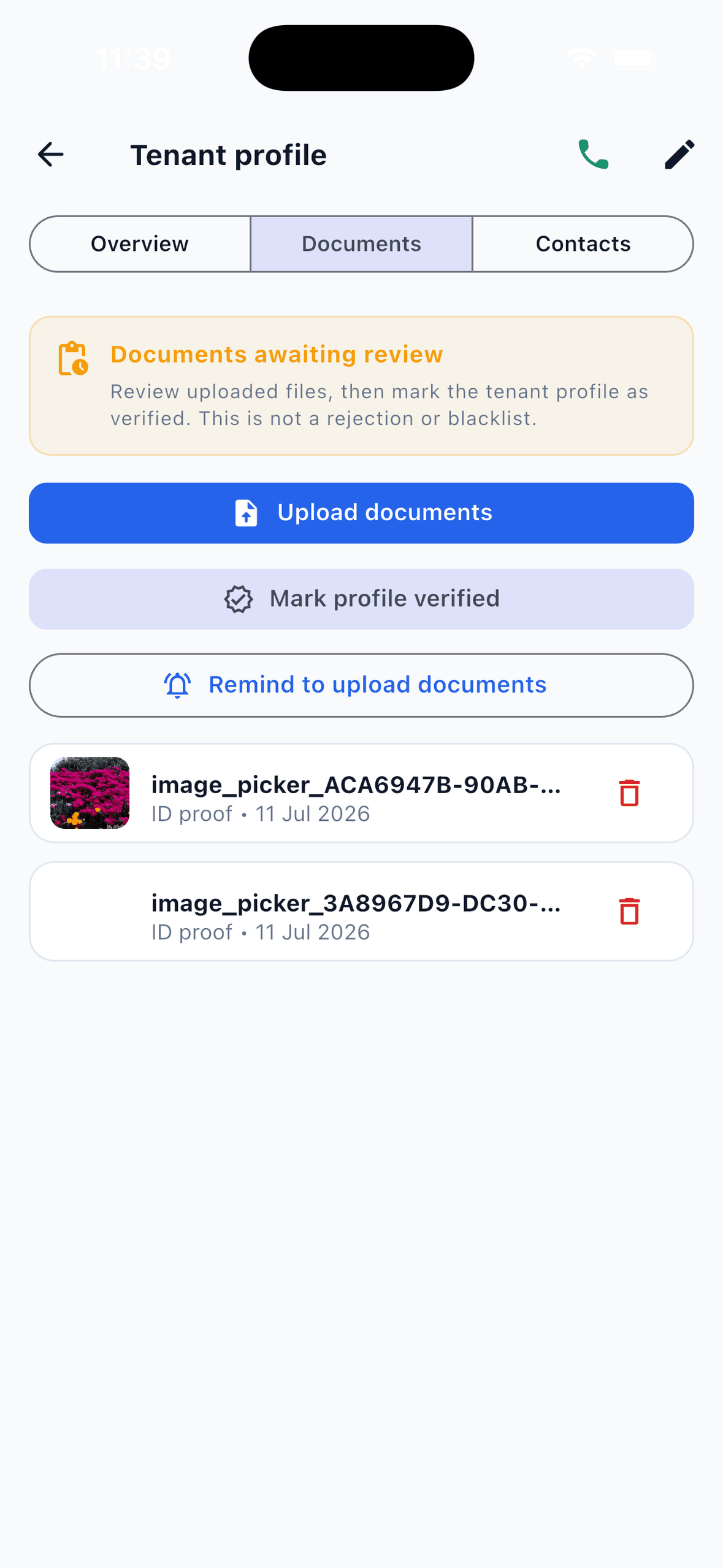
- Move essential documents. Upload only the files the property is entitled and expected to retain. Record owner review separately from government verification.
- Record deposits and issued items. A deposit, key, mattress or other issued item should be visible before the next move-out.
- Invite tenants and team members. Explain the new actions: document upload, payment proof, complaints and visitor requests. Give staff only the access they need.
- Freeze the old sheet. Keep a read-only archive and stop entering new activity there after the cutover.
The four totals to verify before inviting tenants
- Occupancy: occupied beds plus vacant beds plus maintenance beds should equal total beds.
- Active tenants: every current tenant should appear once and be assigned to the correct room or bed.
- Opening rent: the sum of genuine pending balances should match the amount the owner expects to collect.
- Deposits: each retained deposit should match the owner record, receipt or other available evidence.
Do not call document upload “digital KYC” without explaining it
A tenant can upload documents and an owner can review them in EasyAavaas. That creates a useful document record, but it is not Aadhaar, DigiLocker, police or government verification. Keep the wording precise so staff and tenants understand the difference.
How to run the first month after cutover
For the first rent cycle, compare the pending list with actual payments daily. Ask tenants to upload proof only after paying the owner directly, and approve a proof only after confirming receipt. Record cash yourself. Resolve complaints in the system rather than replying only in a private chat, and send property-wide updates as notices instead of maintaining a second announcement list.
| Event | Who records it | What remains available later |
|---|---|---|
| Tenant pays by UPI | Tenant uploads proof or owner records payment | Amount, method, proof, UTR, status and reviewer |
| Tenant pays cash | Owner or permitted staff records payment | Amount, date, method and recorder |
| Complaint is raised | Tenant, owner or permitted staff | Issue, photo, priority, assignment and status updates |
| Room changes | Owner or permitted staff | Current occupancy and continuing tenant record |
| Tenant leaves | Owner or permitted staff completes checks | Historical tenant, rent, documents, deposit and item record |
Can I import my PG Excel sheet directly into EasyAavaas?
No. There is no Excel import. You can add tenants individually or add up to 25 from phone contacts, then complete their property details.
Do I need to move every old payment?
Usually no. Move the current opening balance and records still needed for an active dispute or obligation. Keep the old file as a read-only archive.
Should tenants pay through EasyAavaas after migration?
No. Tenants continue paying the owner directly by UPI, cash, bank transfer or another agreed method. EasyAavaas keeps the record and proof.
Can I migrate one property before the others?
Yes. Starting with one property makes reconciliation easier. Verify the first rent cycle, then repeat the same documented process for the remaining properties.